BLACKCAP · FOR MAC
Your notch, alive.
Blackcap runs on a MacBook. Open this page on your Mac to download it.
akalaisolutions.com/blackcap
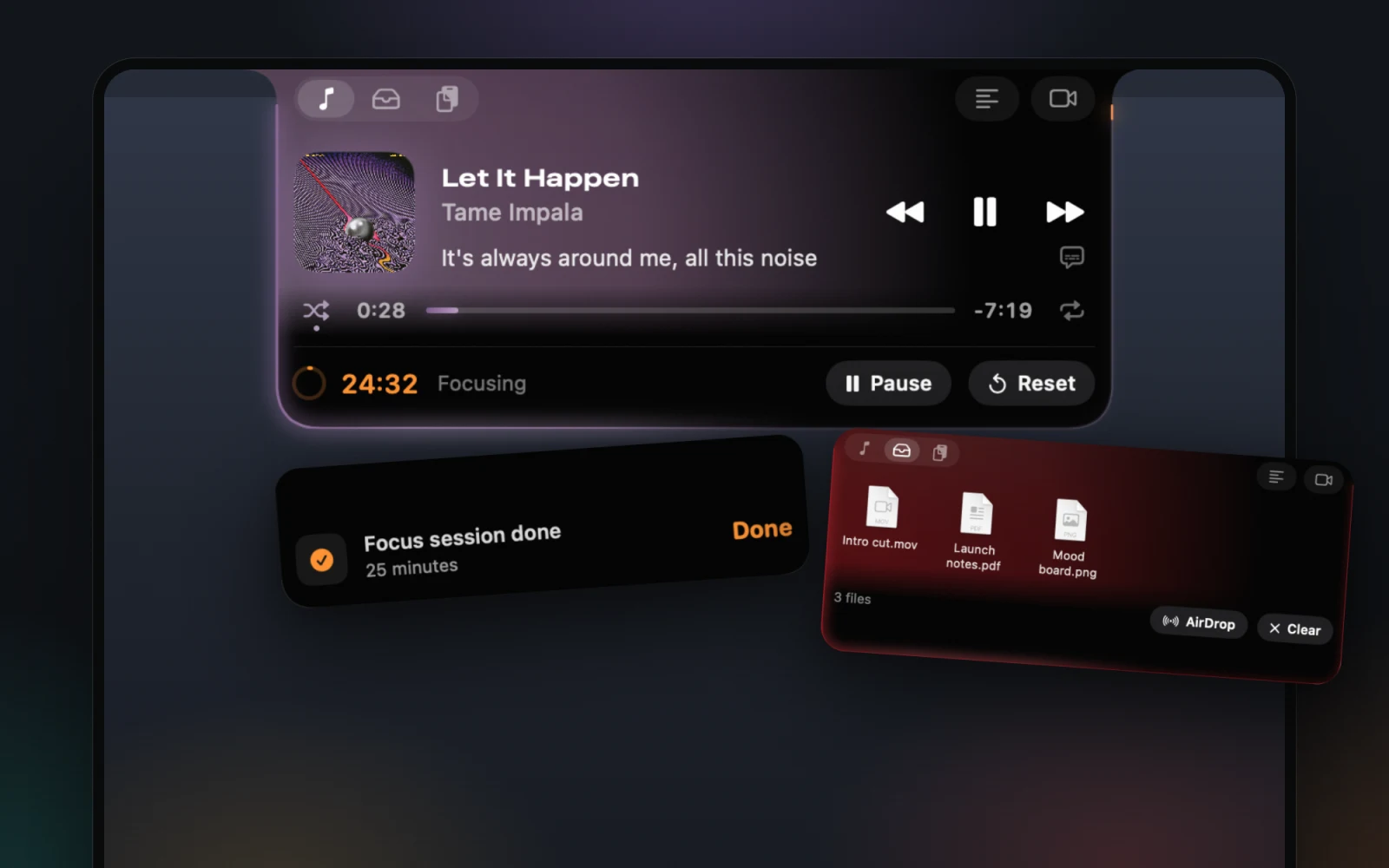
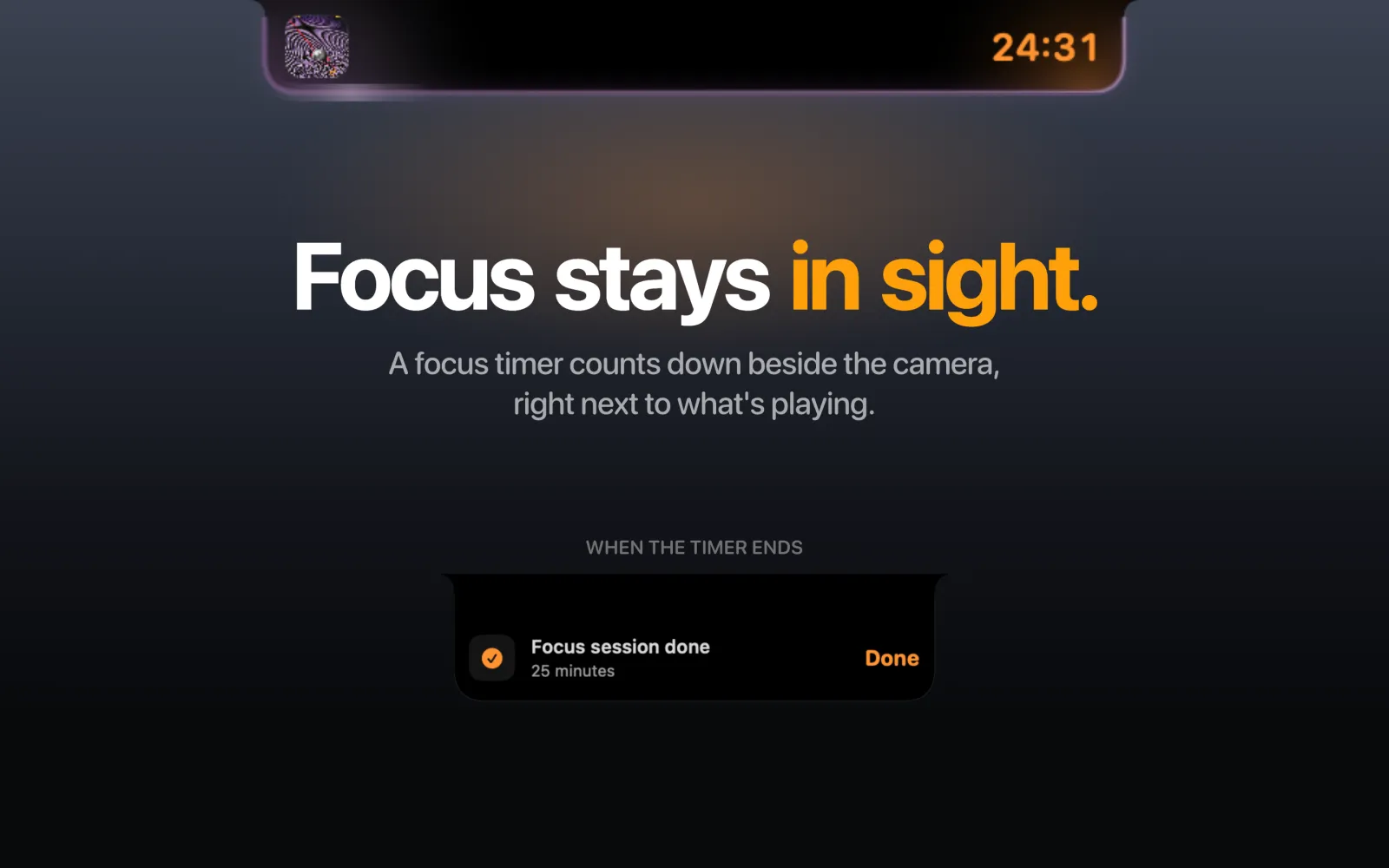
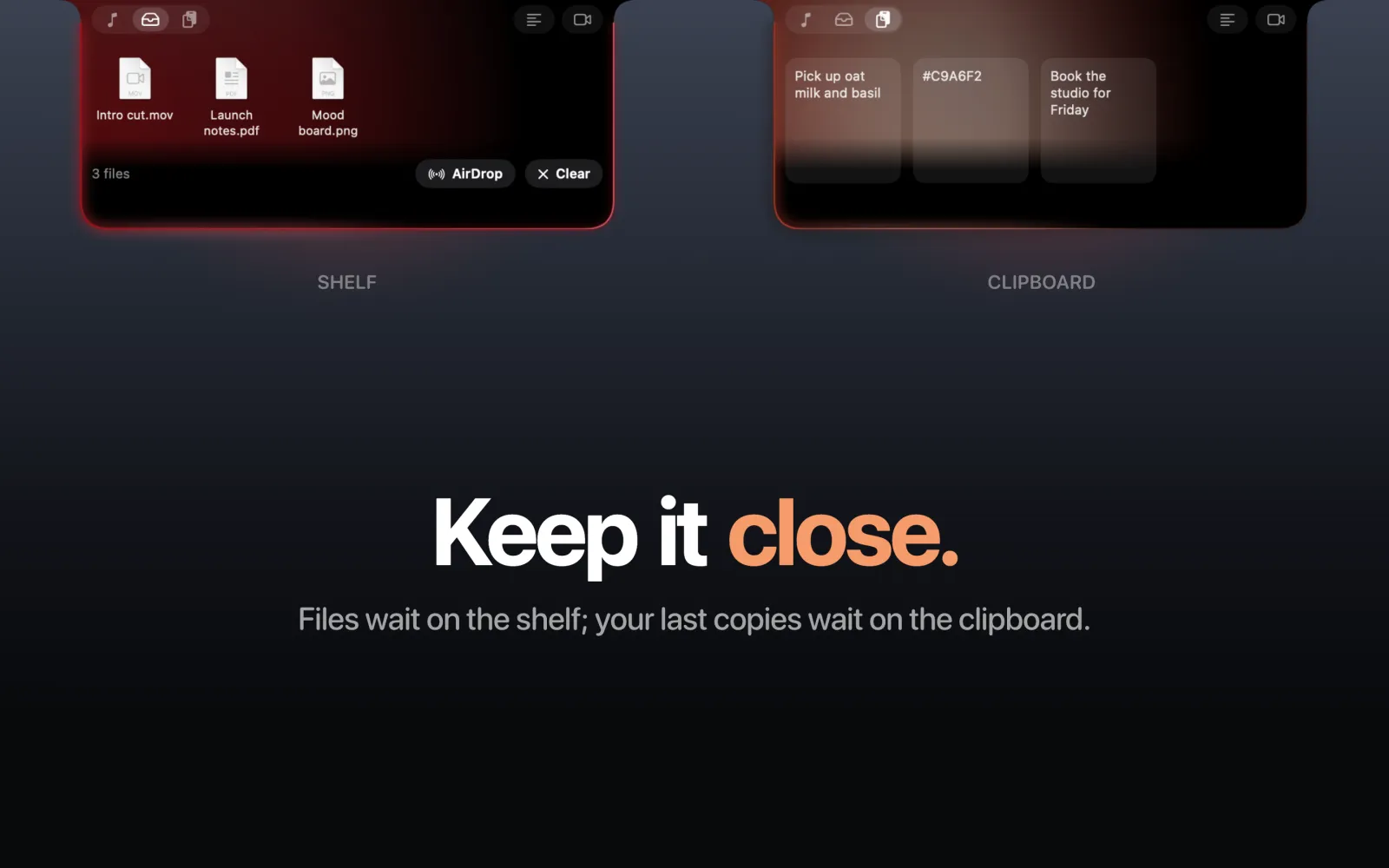
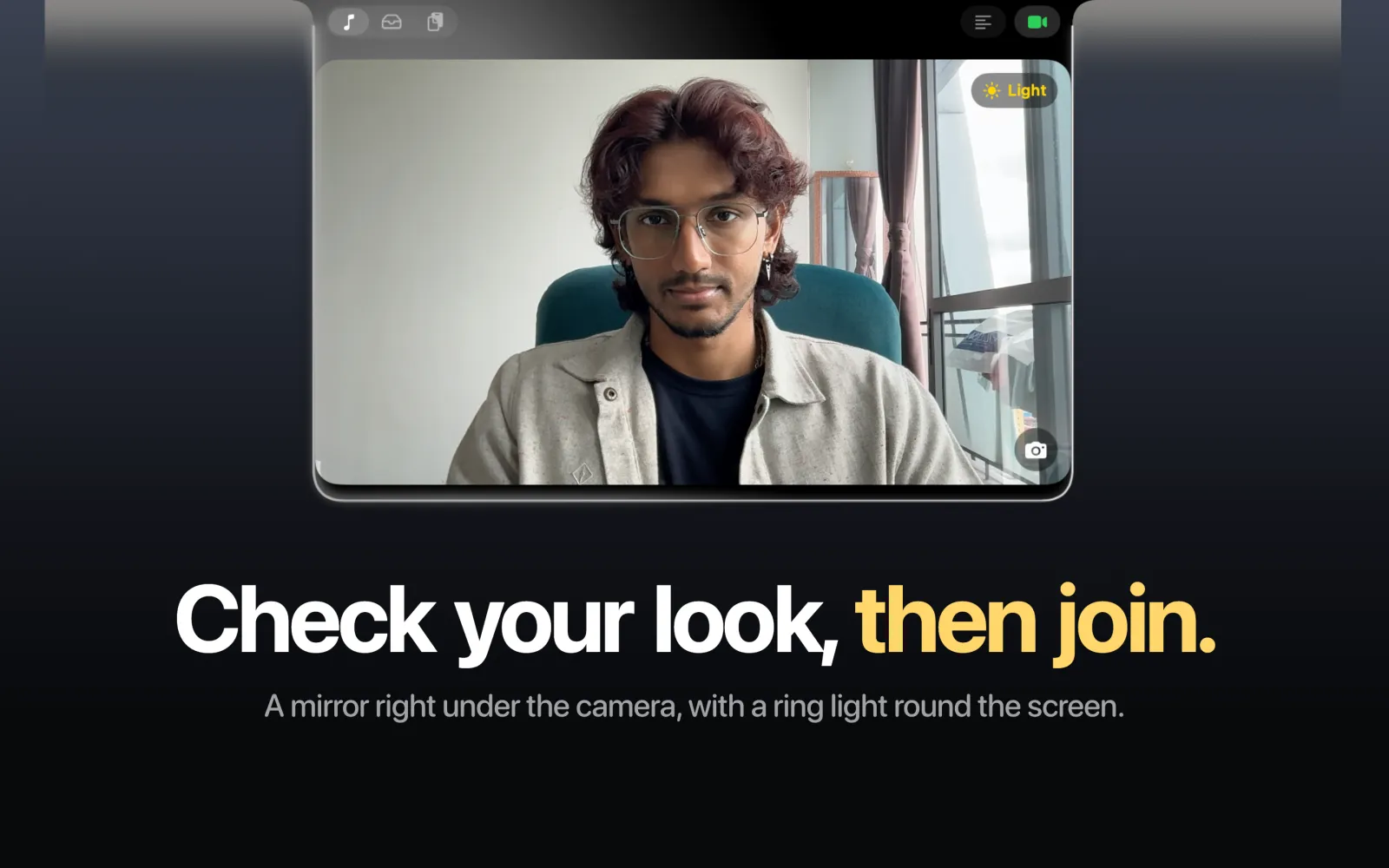
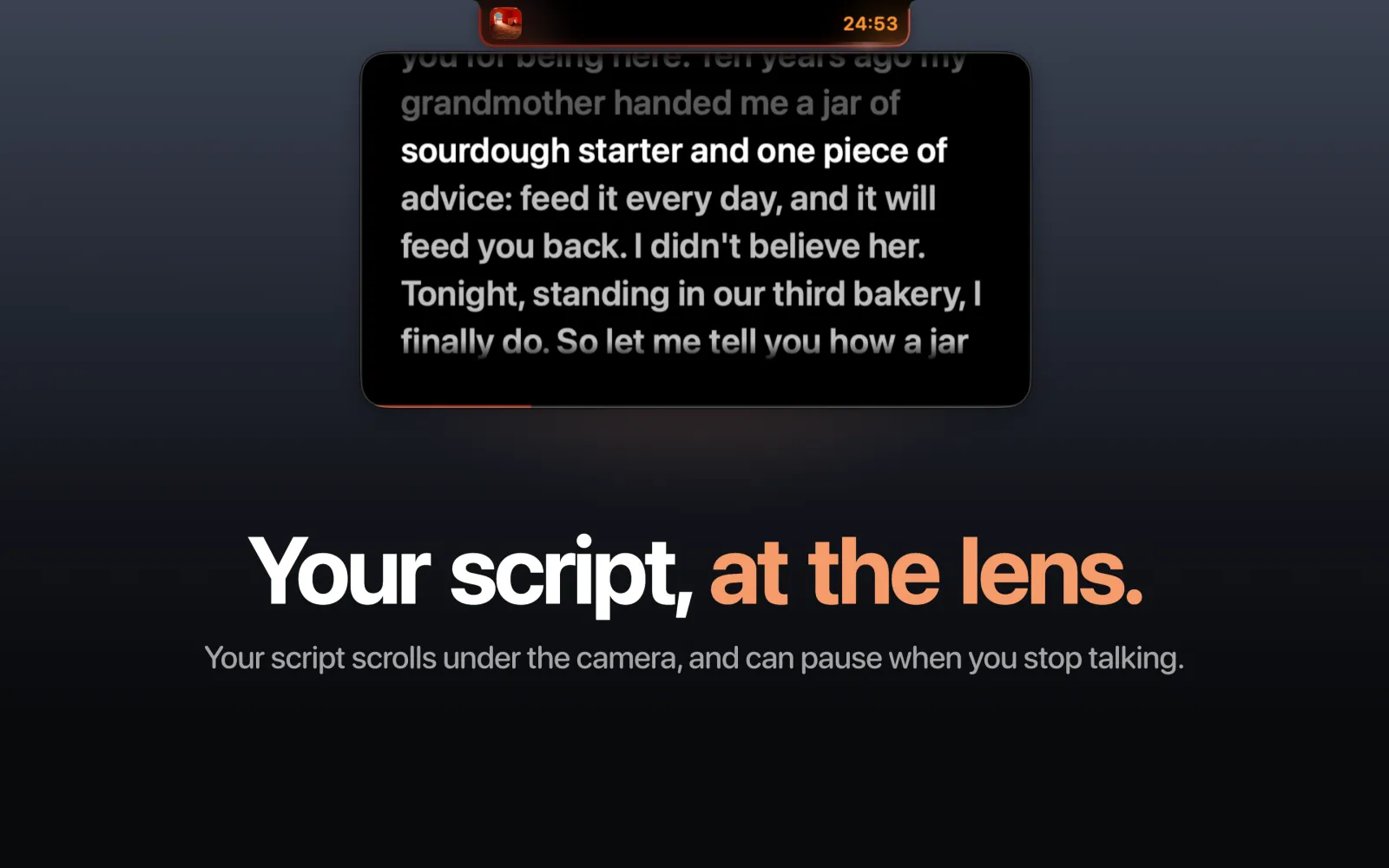
Download for MacA little island for your MacBook's notch: your music, a focus timer, a file shelf, your clipboard, a camera mirror and a teleprompter, right under the camera.
The link always gives you the newest version.
You need a MacBook with a notch, macOS 14 (Sonoma) or later, and the Spotify app, for the music features.
Install
Once, about two minutes.
macOS asks you to trust Blackcap the first time. Here are the five steps, and the words you'll see on screen.
- Open Blackcap.dmg from your Downloads.
- In the window that opens, drag Blackcap onto the Applications folder.
- Open your Applications folder and double-click Blackcap.
- macOS says:On screenApple could not verify “Blackcap” is free of malwareThat's because Blackcap isn't notarised by Apple, which needs a paid developer account. Click Done.
- Open System Settings → Privacy & Security and scroll down to:On screenBlackcap was blockedClick Open Anyway, then confirm with your password or Touch ID. Click Open once more.
You only do this once. Updates install without it.
If you opened Blackcap straight from the disk image, it offers to move itself into Applications. Say yes: it needs to live there to update itself. Afterwards you can delete the disk image.
Using it
- Open it: hover over the notch.
- The menu bar icon: Settings, Launch at Login, Check for Updates and Quit.
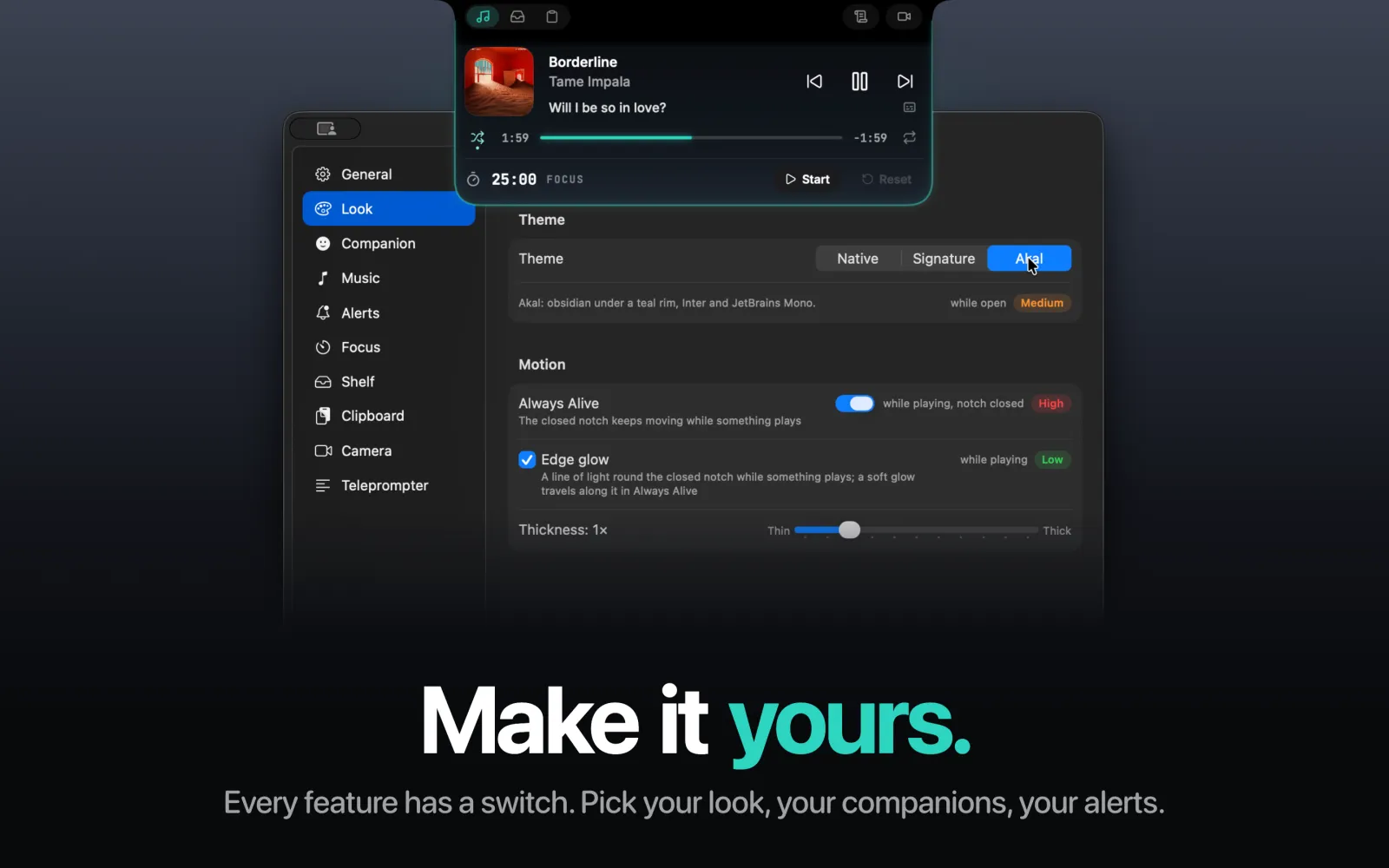
- Settings: every feature has a switch, with how much battery it costs beside it.
Companions
Now and then, someone drops by.
When the notch is quiet, a companion comes out to say hi, and leaves the moment you need the notch. Pick one or more in Settings. Pick several and they come out together and notice each other.

The Akal mascot
Our own mascot. It drops in, peeks round the corners and floats across under the camera, and it cheers when you finish a focus session.

Clawd
A little pixel crab who hangs off the edge of the notch and scuttles across.

Cleve
Cleve AI's curious chameleon. His eyes follow your pointer, he hides in the dark, and if you rest your pointer on his head, out come the hearts.
What it does
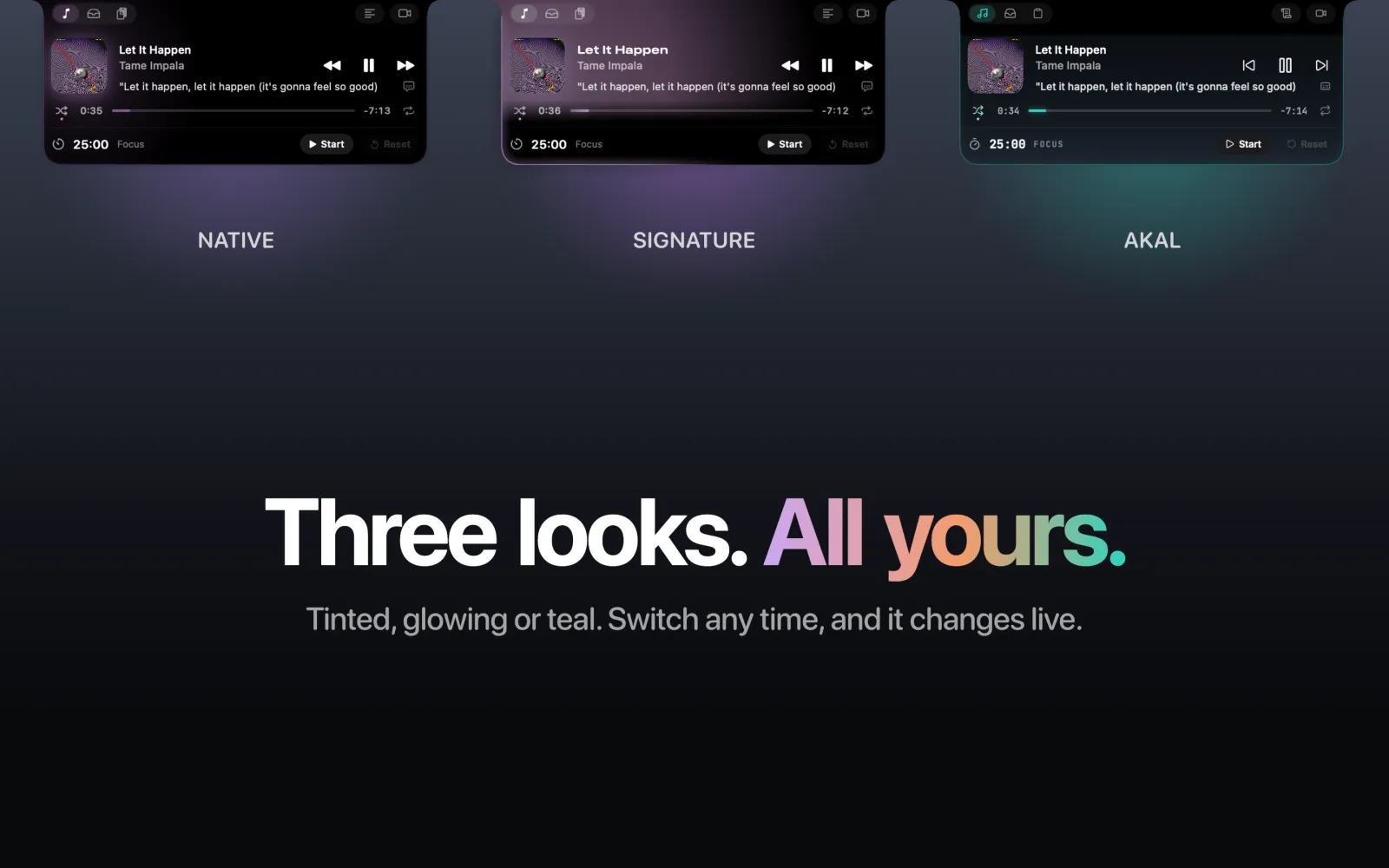
Everything waits right under the camera.
Permissions
Blackcap asks the first time you use each feature:
- Control Spotify
- Showing and controlling what's playing
- Camera
- The camera mirror, only while it's open. Photos are saved only when you click the camera button.
- Microphone
- The teleprompter listens to how loud you are, so it can pause when you stop talking. Nothing is recorded.
- Spotify's sound
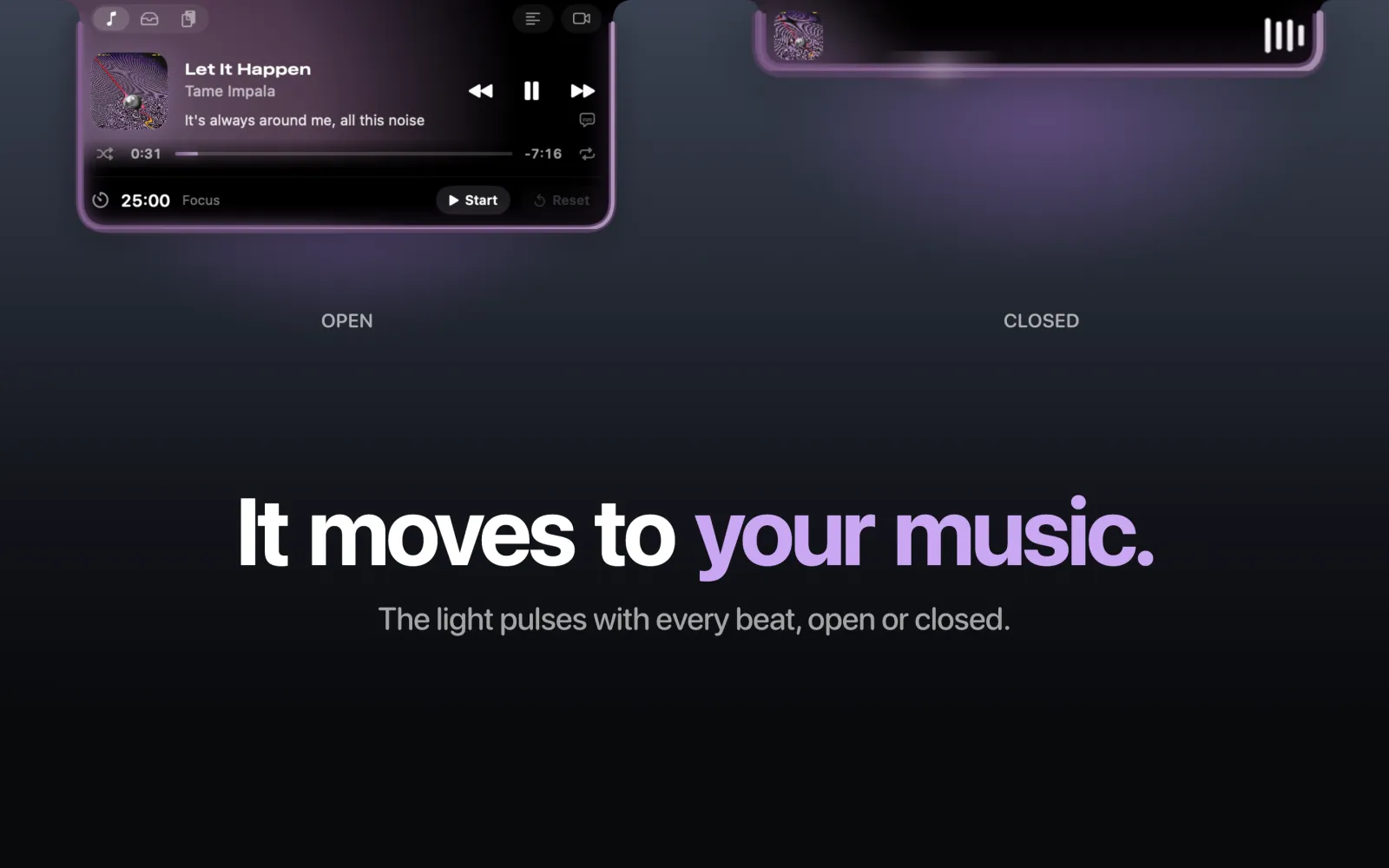
- Beat-following (off until you turn it on) moves the light with the music. Nothing is recorded.
Privacy
Blackcap collects nothing. It goes online for four things:
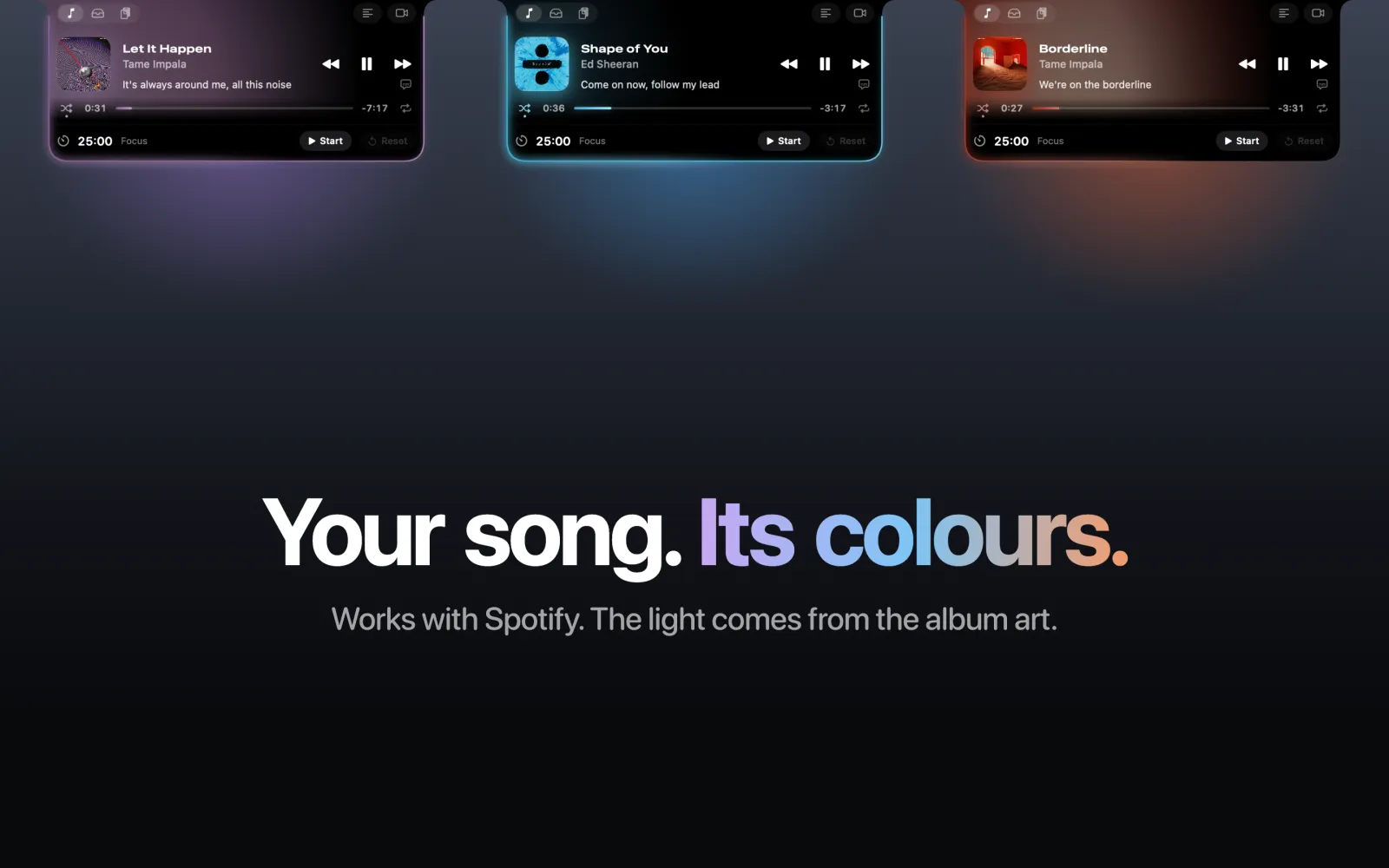
- the album art for what's playing, from Spotify;
- synced lyrics from LRCLIB, which gets the song's title, artist, album and length;
- one update check a day, on GitHub;
- your rating and comments, only when you press Send in Rate Blackcap, emailed to Vimall.
Your clipboard history stays in memory and is never saved.
Updates
Blackcap checks for a new version once a day. When there is one, the notch tells you: open the notch and click Update, read what's new, then click Install Update. It restarts in a few seconds, keeping your settings and permissions.
Uninstall
Turn off Launch at Login in the menu bar icon, quit Blackcap, then drag it from Applications to the Bin. Photos from the camera mirror are in Pictures/Blackcap.

Share it
Know someone with a notch?
Send them this link, or let them scan the code.
akalaisolutions.com/blackcap

Made by Vimall at Akal AI Solutions. Something not working? Email vimall@akalaisolutions.com. Blackcap isn't affiliated with Apple, Spotify, Anthropic or Cleve AI.